Your first video is on us
Some moments
deserve a movie.
Turn the photos from a wedding, a Bat Mitzvah, a 60th — any moment that mattered — into a finished video your family will replay for years.
Sign up, pick 2–3 photos, get a short demo video free. No card, no strings.
What are you making?
Built for the moments people actually keep.
Pick the occasion — the gallery below filters to match.
How it works
Three steps. About five minutes.
You bring the photos and the song. We handle pacing, motion, and music timing. Override anything — but you don't have to.
01
Drop your event photos.
From your phone, your camera, anywhere. Twenty photos or fifty. Drag to reorder if you want — the order's yours.
02
Pick the mood.
Seven photo effects, twenty-plus transitions, and one song. Tap auto-magic and we'll pick — or override every choice yourself.
03
Send it to your family.
Five minutes later, a finished video — music timed to the cuts, crossfades, the works. Download, share a link, render again. Free to remake.
Seven photo effects
One mood — or one per photo.
Real photo filters, not Instagram overlays. Apply across the whole montage, or per-photo.

Natural
Untouched
B&W
Pure greyscale
Sepia
Warm, archival
Vintage
Film, slightly faded
Faded
Soft, lifted shadows
Cinematic
Crushed blacks, muted
Vivid
Bright, saturated
Examples
Eight moments, eight montages.
A bar to set against. Yours will be better — because you know who's in it.
Pricing
Pay per photo. Slideshows free.
Slideshows are always free. Living Photos and AI Clips are priced by the exact number of photos in your montage — nothing else. Launch pricing, free redos included. Want more than two projects at once? That's etmol Pro, $5 a month.
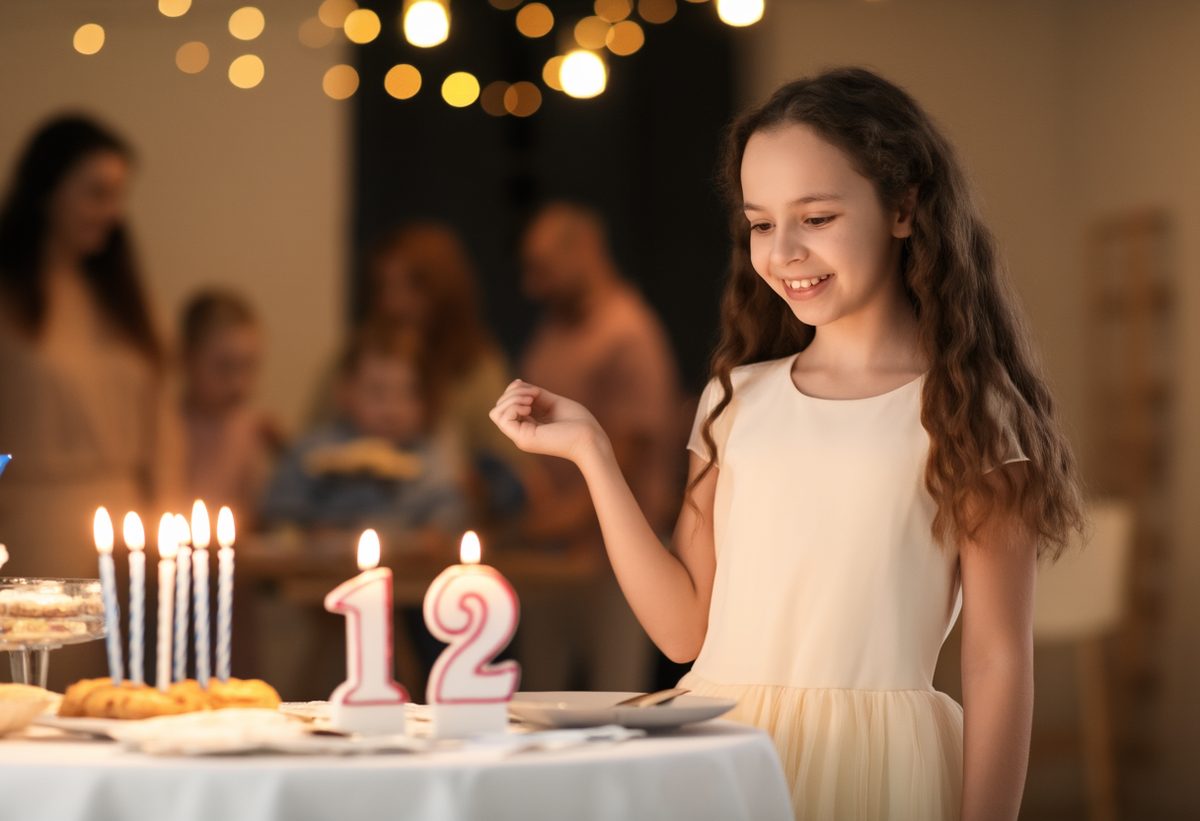
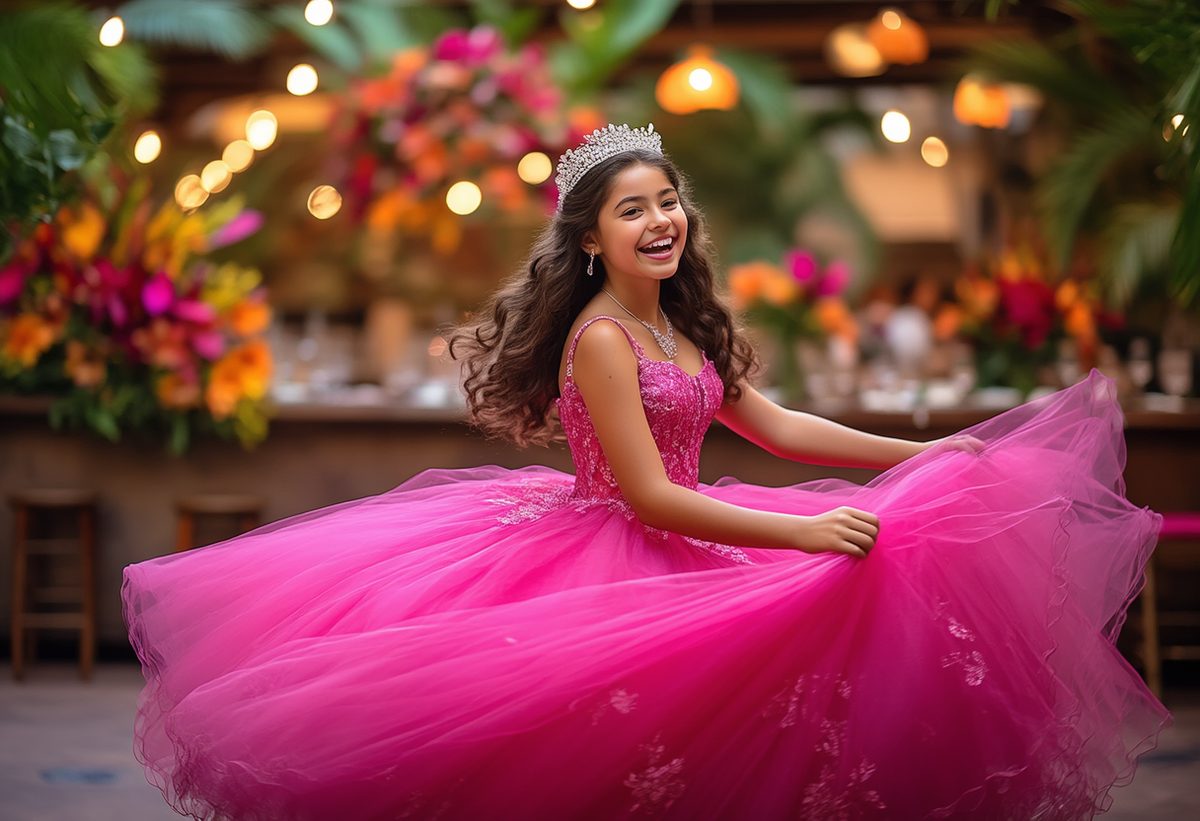


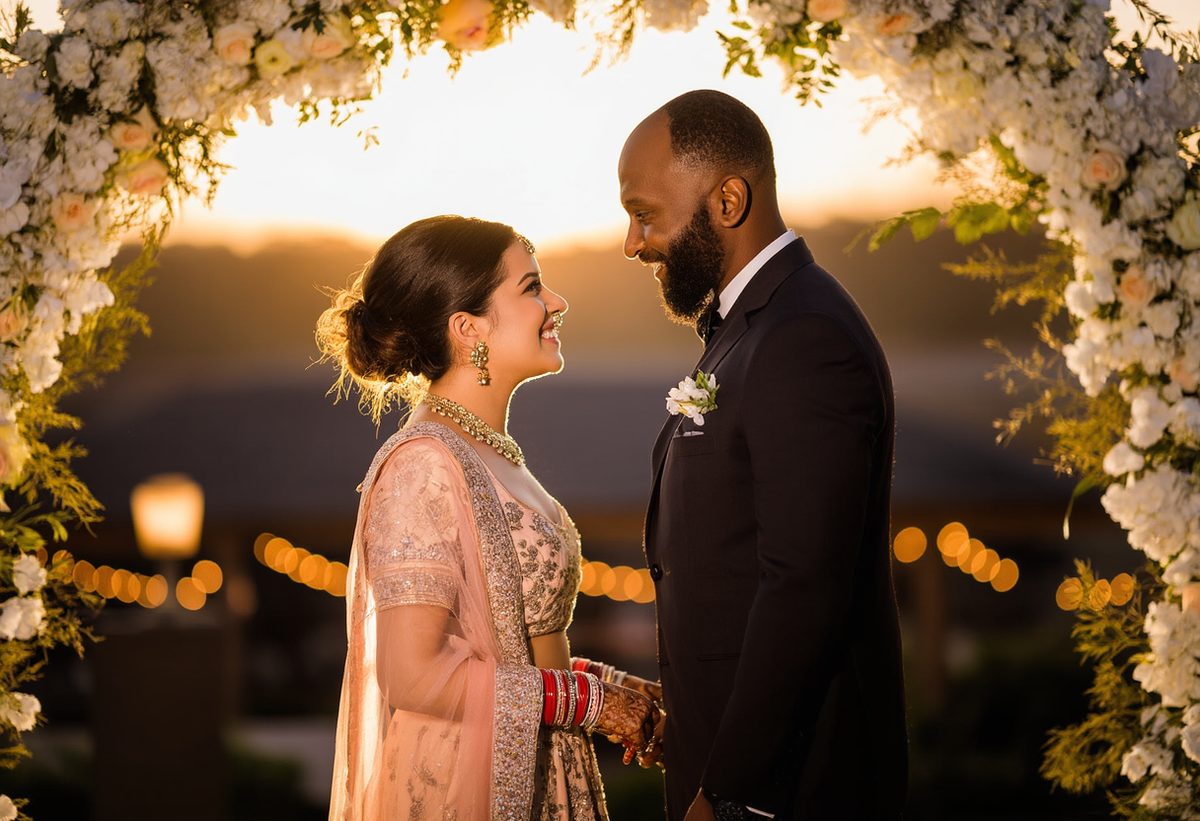

One photo. One clip. One price.
Every photo you put in becomes its own living clip — and that clip is the only thing you pay for. Add a photo, add $0.65. Take one out, it comes off the bill. The song, the title card, the redos and the remakes are all included.
12 photos × $0.65= $7.80
Slideshow
$0
Always free
Unlimited renders · up to 3 min
What you get
Classic crossfades, timed to your music
Looks & frames per photo
Ready in about five minutes
Watermarked — etmol Pro removes it.
Most popular
Living Photos
$0.65per photo
No minimum · up to 55 photos
For example
12 photos$10.80 $7.80
24 photos$21.60 $15.60
40 photos$36 $26
+$4 to remove the watermark.
✦ Best result
AI Clips
$2.25per photo
Photos morph into one another — our richest, most cinematic video.
No minimum · up to 40 photos
For example
12 photos$36 $27
24 photos$72 $54
40 photos$120 $90
+$8 to remove the watermark.
photos
Slideshow Free
Living Photos $17 $12
AI Clips $54 $41AI Clips: up to 40 photos
Free
$0
- Unlimited slideshows, watermarked
- 2 projects at a time
- Living Photos & AI Clips priced per photo
- Free redos on every paid render
etmol Pro
$5/ monthor $25 a year
- Everything in Free
- Unlimited projects
- Watermark-free slideshows
- Same per-photo prices for Living Photos & AI Clips
Common questions
What people ask before they start.
How long until I have a video?
A music-timed slideshow is ready in about five minutes from upload. AI Clips (smooth morphs between photos) take longer — typically 10–20 minutes for a 30-photo montage.
What if I don't love the first render?
Every render includes free redos. Tweak the song's start point, swap a photo's effect, or just hit remake — we won't charge you again.
Can I use my own music?
Yes. Upload any track you own or have licensed — mp3, m4a, or wav. Drag the waveform to pick the part that sets the tone; we'll time the cuts and crossfades to your selection.
Will my photos be used to train AI?
No. Your photos are used only to render your video. The AI Clips morphs run on each pair of consecutive photos in your montage; we don't reuse your media anywhere else.
Is there a watermark on the free version?
Yes — a small etmol mark in the corner. Remove it for a flat add-on: $4 on Living Photos, $8 on AI Clips.
The moment's already happened. Make it last.
Start with a wedding, a Bat Mitzvah, a Quince, a 60th — or whatever you're holding photos of right now. Five minutes from upload to finished video.
Start your montage